
Central Park Go
Mobile App Design / UI+UX / Wayfinding / Figma
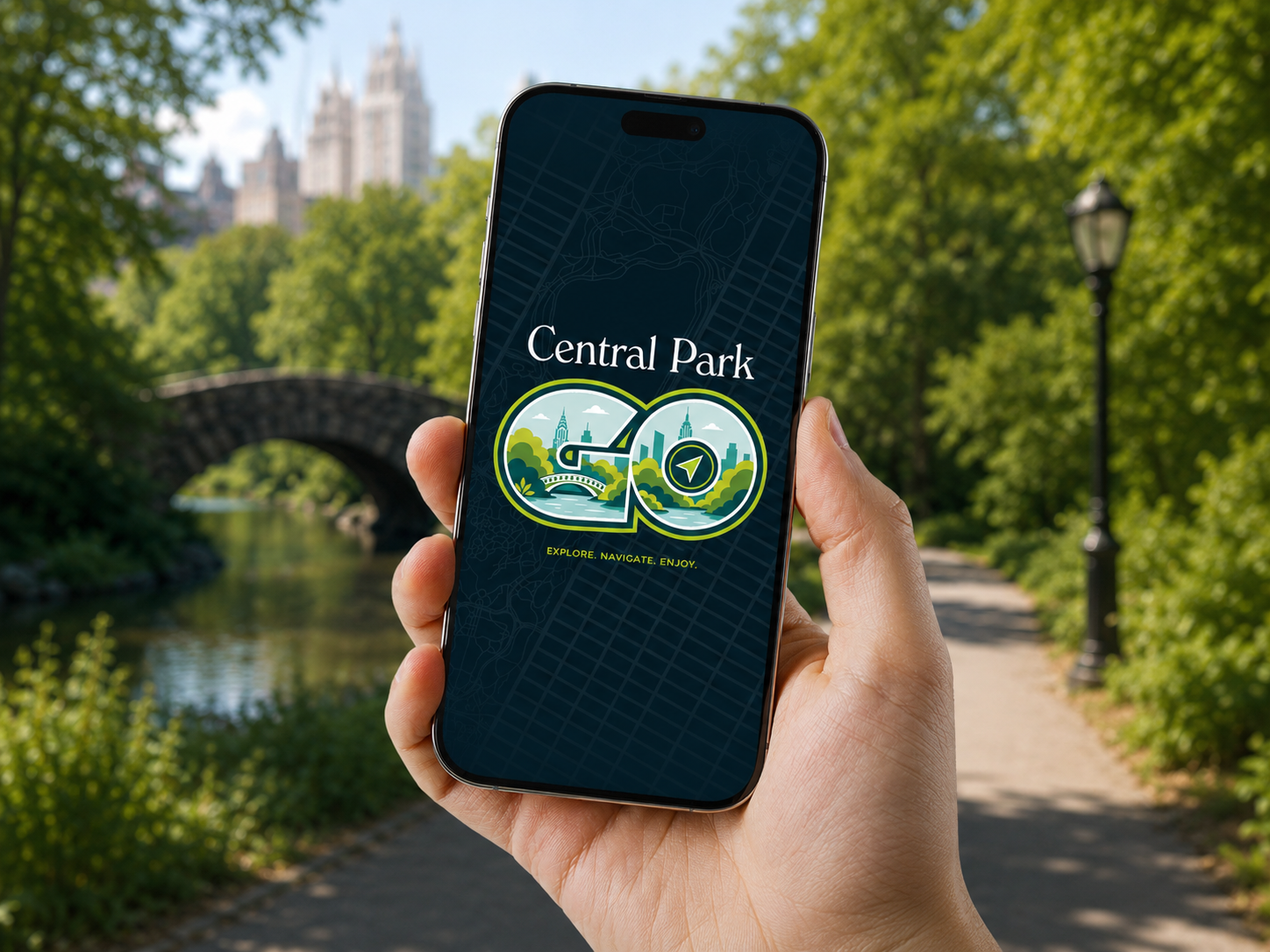
Central Park Go is a navigation app designed to make one of the world’s most visited parks easier to explore. It helps tourists and New Yorkers find destinations, plan activities, meet friends, and move through the park with confidence. Instead of feeling swallowed by a park the size of a city, users get a clear top-down view of Central Park with real-time location tracking, helping them feel oriented, in control, and ready to explore.
Problem Statement
Central Park welcomes over 37 million visitors each year, yet its scale, density of attractions, and layered path system can make the park feel overwhelming for both first-time tourists and daily New Yorkers. Visitors have to piece together maps, landmarks, routes, events, and meetups across disconnected tools.
Design Objective
Design a dedicated Central Park navigation app that makes the park easier, calmer, and more enjoyable to explore by combining interactive wayfinding, destination discovery, event planning, friend location sharing, and activity-based map modes into one cohesive mobile experience for tourists and locals alike.
IDENTITY
Logo

Park Map

PROCESS
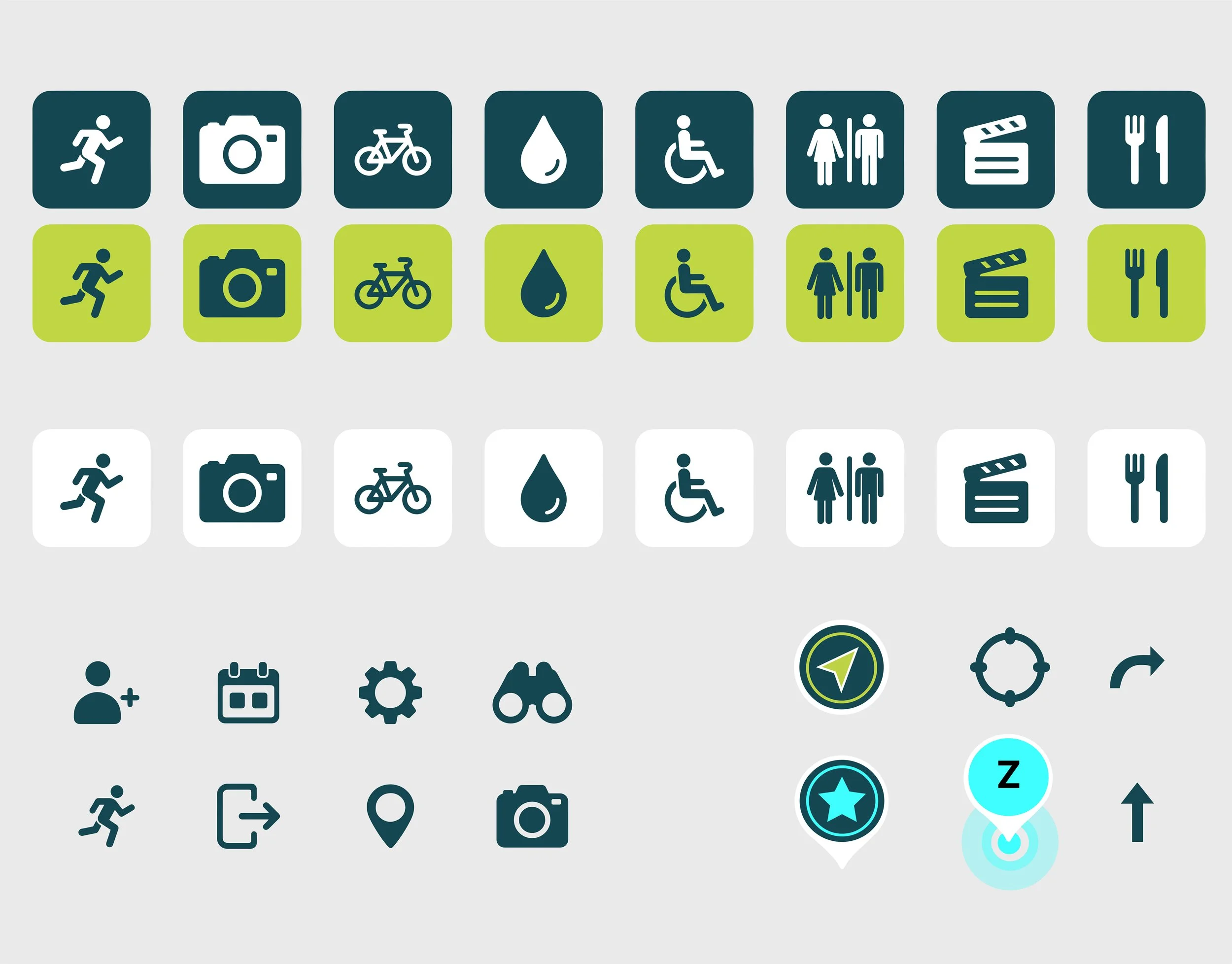
The full process book documents the development of Central Park Go from early research and hand sketches through map construction, wireframes, visual identity, UI components, interaction planning, and final high-fidelity prototype screens.

FINAL SCREENS
Countdown Animation in Figma
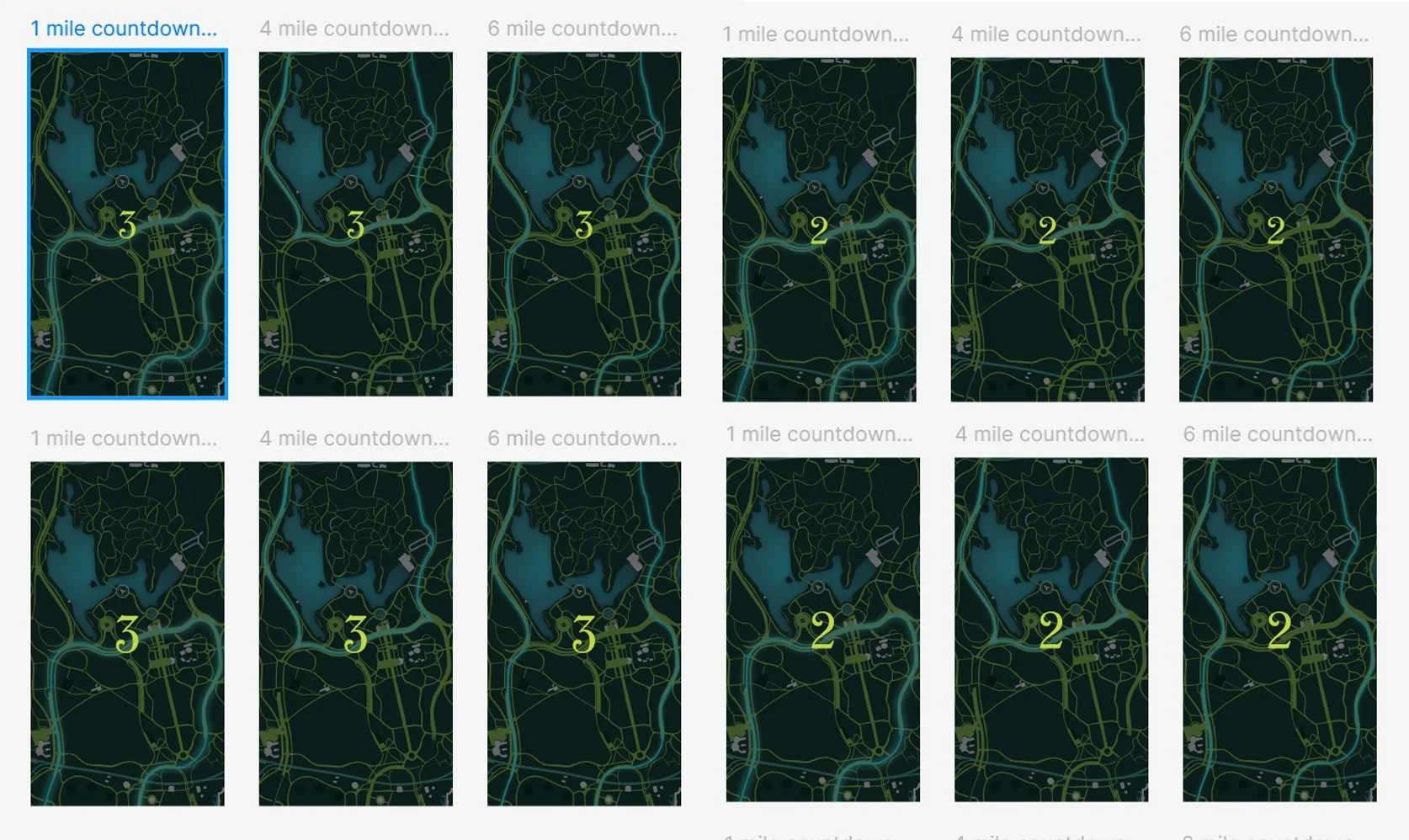
To make the jogging mode feel more intentional, I added a short animated countdown before the active jog tracker.
The user first sees the full jogging route on the map, then taps Start Run at the bottom. Instead of immediately jumping into the tracker, the prototype transitions into a countdown sequence: 3, 2, 1, GO. This gets the user hyped to start their fun.
INTERACTIVE FIGMA PROTOTYPE
I wanted the default map screen to feel exploratory rather than static, so I made the full Central Park map pannable while keeping the main interface controls locked in place.
To make the default map feel more like a real navigation app, I added a fixed recenter control above the bottom grab menu. Because the map is pannable inside Figma, I linked the recenter icon back to a duplicate default map frame and enabled Reset scroll position. This allows the user to explore the full Central Park map, then tap the control to return to the original wayfinding position.